
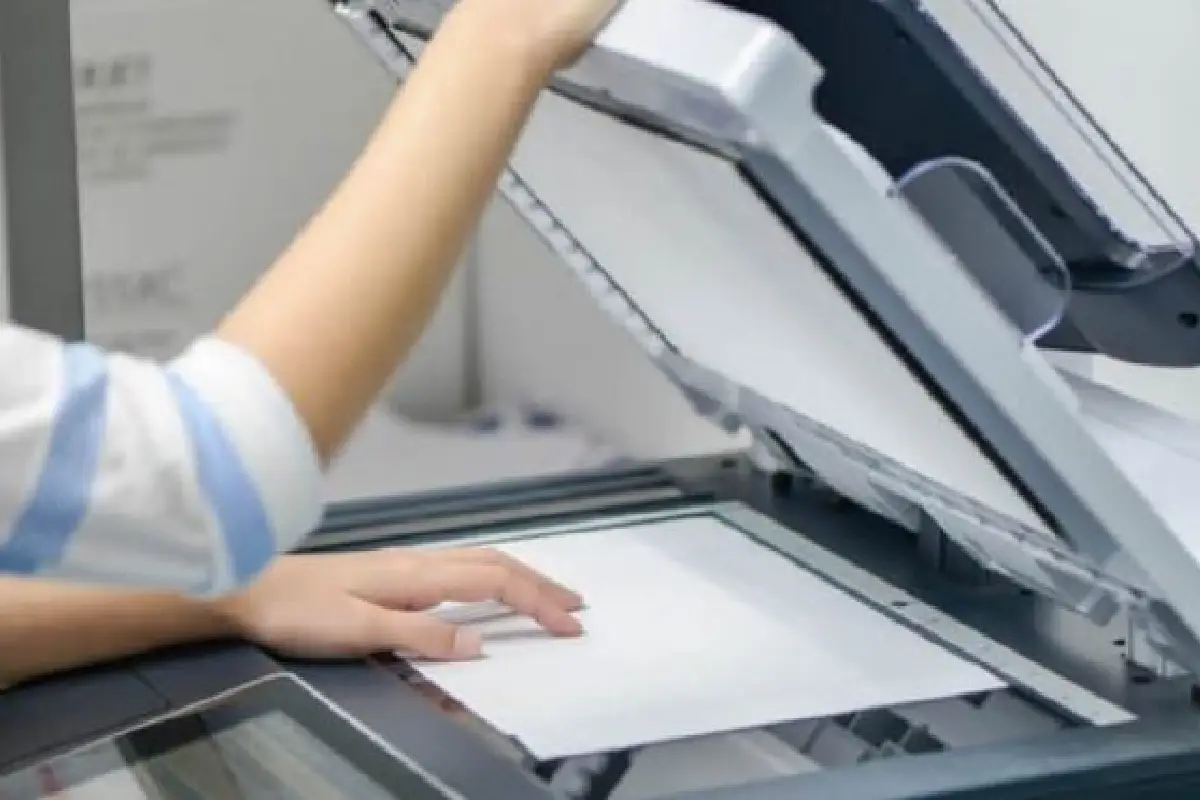
In a world driven by digital workflows, choosing the right document scanner is no longer just about hardware—it’s a business technology decision. Whether you’re digitizing personal records at home or automating document-heavy processes in an office, the right scanner plays a key role in document automation, SaaS workflows, and operational efficiency.
This refreshed guide positions document scanners within the Business Tech / SaaS / Strategy ecosystem and shows how they support modern, paperless operations.
Table of Contents
Why Document Scanners Still Matter in Business Technology
Despite cloud tools and digital-first platforms, businesses still handle physical documents: invoices, contracts, IDs, medical forms, and compliance paperwork. A reliable scanner bridges the gap between physical records and digital systems.
When connected with document automation software and cloud platforms, scanners enable:
- Faster digitization and retrieval of records
- Automated data extraction (OCR)
- Secure document storage and sharing
- Integration with CRM, ERP, and accounting tools
For businesses, this translates directly into time savings, cost reduction, and scalability.
Key Factors to Consider When Choosing a Document Scanner
1. Home vs Office Use Cases
- Home users typically need compact, affordable scanners for IDs, certificates, and occasional paperwork.
- Office and business users require higher speeds, batch scanning, and reliable daily performance.
Understanding volume and frequency is the first step in choosing the right scanner.
2. Scanning Speed and Volume
Speed matters in business environments. Look for scanners measured in pages per minute (PPM) and daily duty cycle.
- Low volume: under 20 pages/day
- Medium volume: 100–500 pages/day
- High volume: 1,000+ pages/day
Higher throughput supports automation pipelines and reduces operational bottlenecks.
3. OCR and Document Automation Capabilities
Optical Character Recognition (OCR) turns scanned images into searchable, editable text. This is essential for:
- Automated invoice processing
- Digital contract management
- Searchable archives
- Workflow automation tools
Scanners that bundle or integrate with OCR software align well with document automation platforms and SaaS tools.
4. Software Compatibility and Free Tools
Many scanners work seamlessly with free and freemium software, making them cost-effective for startups and SMBs.
Look for compatibility with:
- Free OCR tools
- Cloud storage platforms
- PDF editors and document managers
This flexibility connects scanners to free-software hubs and reduces dependency on expensive licenses.
5. Connectivity Options
Modern scanners support multiple connectivity options:
- USB (reliable for individual users)
- Wi‑Fi (ideal for shared office use)
- Network scanning (enterprise environments)
Cloud-connected scanners fit well into remote work and SaaS-based business ecosystems.
6. Security and Compliance
Business documents often contain sensitive data. Look for features such as:
- Secure access controls
- Encrypted file transfers
- User authentication
These features are critical for industries handling customer, financial, or legal information.
Document Scanners and SaaS Workflows
A document scanner becomes significantly more valuable when paired with SaaS platforms:
- Scanned invoices flow into accounting software
- Contracts sync with document management systems
- Employee records integrate with HR platforms
This creates an end-to-end digital document lifecycle, reducing manual handling and improving accuracy.
Types of Document Scanners Explained
Break this into a comparison table.
-
Flatbed scanners
-
Sheet-fed scanners
-
Portable/mobile scanners
-
All-in-one printer scanners
-
Network & enterprise scanners
Use cases:
-
Home users
-
Freelancers
-
Small offices
-
Enterprises
Role of Document Scanners in Document Automation
This connects strongly to SaaS + business tech.
Topics to include:
-
Scanning → OCR → indexing → storage
-
Integration with:
-
DMS
-
CRM
-
Accounting software
-
-
Automated tagging & search
Home vs Office Scanner Comparison
| Feature | Home Scanner | Office Scanner |
|---|---|---|
| Size | Compact | Desktop / Networked |
| Speed | Low–Moderate | High |
| Daily Volume | Occasional | Heavy use |
| Software | Basic / Free tools | OCR + automation |
| Integration | Local storage | SaaS & cloud platforms |
Cost Breakdown & ROI for Businesses
Make this actionable.
-
Hardware cost
-
Software cost
-
Time saved
-
Storage savings
-
Error reduction
Strategic Takeaway
Choosing the right document scanner isn’t just about scanning—it’s about how documents move through your business. When aligned with document automation, free software tools, and SaaS platforms, scanners become a foundational part of modern business technology.
For organizations building paperless workflows or optimizing operations, the right scanner supports long-term efficiency and digital transformation.