
As a small business grows, spreadsheets start to break, manual processes pile up, and one big question inevitably comes up:
Should we implement a CRM or an ERP first?
Both systems promise efficiency, visibility, and scalability—but they solve very different problems. Choosing the wrong one too early can waste money, slow adoption, and create unnecessary complexity. Choosing the right one at the right time can dramatically improve how your business runs.
In this guide, we’ll break down CRM vs ERP for small businesses, explain the real differences, and answer the most important question founders ask:
Which should a small business implement first—CRM or ERP?
Table of Contents
What Is a CRM System?
CRM stands for Customer Relationship Management. A CRM system is designed to manage interactions with leads, prospects, and customers across the entire sales and marketing lifecycle.
What a CRM Typically Handles
-
Lead capture and tracking
-
Sales pipelines and deal stages
-
Customer contact information
-
Email tracking and follow-ups
-
Marketing campaigns
-
Customer support interactions
In simple terms, a CRM helps you win and retain customers.
Common CRM Use Cases for Small Businesses
-
Tracking inquiries from forms or ads
-
Managing sales follow-ups
-
Keeping customer data in one place
-
Automating emails and reminders
-
Improving visibility into revenue pipelines
For most small businesses, a CRM is the first system that replaces spreadsheets.
What Is an ERP System?
ERP stands for Enterprise Resource Planning. Despite the name, modern ERP systems are not just for large enterprises anymore—but they are still more complex than CRMs.
An ERP system integrates core internal business operations into a single platform.
What an ERP Typically Handles
-
Accounting and finance
-
Inventory management
-
Procurement and purchasing
-
Order management
-
Supply chain operations
-
HR and payroll (in some systems)
In simple terms, an ERP helps you run the business internally.
Common ERP Use Cases for Small Businesses
-
Managing inventory across locations
-
Tracking costs and margins
-
Automating purchasing and fulfillment
-
Consolidating financial reporting
-
Reducing operational errors
ERPs are about control, consistency, and scale.
CRM vs ERP: Core Differences Explained
Here’s the simplest way to understand the difference:
-
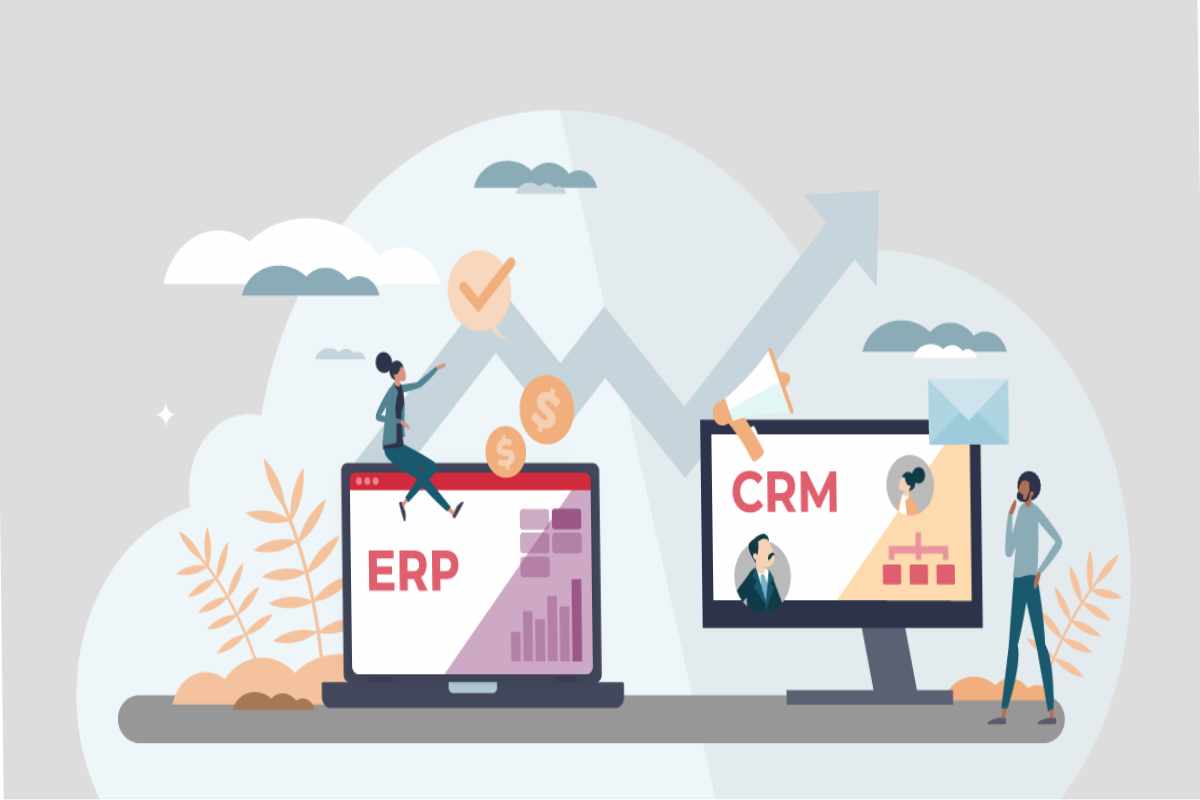
CRM = Front office (customers & revenue)
-
ERP = Back office (operations & costs)
CRM vs ERP Comparison Table
| Aspect | CRM | ERP |
|---|---|---|
| Primary focus | Customers & sales | Operations & finance |
| Main users | Sales, marketing, support | Operations, finance, management |
| Complexity | Low to moderate | Moderate to high |
| Implementation time | Days to weeks | Weeks to months |
| Cost | Often free or low-cost | Higher upfront cost |
| Best for | Growing revenue | Scaling operations |
This distinction is critical when deciding which to implement first.
Why Small Businesses Often Confuse CRM and ERP
Many small businesses hesitate because:
-
Both systems promise “everything in one place”
-
Vendors blur the lines in marketing
-
Some modern tools offer overlapping features
However, overlap doesn’t mean equivalence.
A CRM may offer basic invoicing.
An ERP may offer basic customer records.
But depth and purpose matter. Each system is optimized for different stages of business maturity.
The Short Answer: CRM or ERP — Which Should You Implement First?
For most small businesses, the answer is clear:
Implement a CRM first.
But let’s unpack why—and when that answer changes.
Why CRM Usually Comes First for Small Businesses
1. Revenue Comes Before Optimization
You can’t optimize operations you don’t yet have.
Most early-stage and small businesses struggle more with:
-
Missed follow-ups
-
Lost leads
-
Inconsistent sales tracking
-
Poor customer visibility
A CRM directly impacts revenue generation, which is the lifeblood of a small business.
2. CRMs Are Easier and Faster to Implement
CRM systems:
-
Require minimal setup
-
Have gentler learning curves
-
Don’t require process standardization upfront
You can often be productive in a CRM within days, not months.
3. CRMs Are Cheaper (Often Free)
Many CRM platforms offer:
-
Free plans
-
Affordable entry-level pricing
-
Pay-as-you-grow models
ERP systems usually involve:
-
Higher subscription costs
-
Setup and configuration effort
-
Training and change management
For budget-conscious small businesses, CRM is the lower-risk first step.
4. Sales and Marketing Chaos Shows Up First
Before inventory issues or procurement complexity appear, small businesses usually experience:
-
Disorganized customer data
-
No visibility into sales pipelines
-
Manual follow-ups
-
Poor forecasting
CRM solves these problems early.
When Does ERP Make Sense First?
While CRM-first is common, there are specific scenarios where ERP should come first.
Implement ERP First If:
1. You Are Inventory-Heavy
Examples:
-
Manufacturing
-
Wholesale
-
Retail with multiple SKUs
If inventory, procurement, or fulfillment errors are hurting your business, ERP may be the priority.
2. Operations Are More Complex Than Sales
If your business:
-
Has long production cycles
-
Manages suppliers and logistics
-
Tracks cost of goods sold closely
Then operational control may outweigh CRM needs early on.
3. You Already Have Stable Sales Channels
Some businesses rely on:
-
Marketplaces
-
Long-term contracts
-
Repeat customers
If sales are predictable but operations are chaotic, ERP first can make sense.
CRM vs ERP by Business Type
Service-Based Small Businesses
CRM first (almost always)
Why:
-
Client management
-
Sales tracking
-
Follow-ups and renewals
-
Minimal inventory needs
SaaS & Digital Businesses
CRM first
Why:
-
Lead nurturing
-
Subscription tracking
-
Customer success workflows
ERP typically comes much later, if at all.
E-commerce Businesses
CRM first, ERP soon after
Why:
-
CRM for marketing, retention, support
-
ERP for inventory, fulfillment, accounting as volume grows
Manufacturing & Distribution
ERP first or parallel
Why:
-
Inventory and cost control are mission-critical
-
CRM still matters, but ERP prevents operational losses
Can Small Businesses Use Both CRM and ERP Together?
Yes—and many eventually should.
Modern systems often integrate CRM and ERP so data flows between them:
-
Sales orders → fulfillment
-
Customer data → invoicing
-
Revenue → financial reporting
However, implementing both at once is risky for small teams.
A Smarter Approach
-
Start with CRM
-
Stabilize sales and customer data
-
Add ERP when operational complexity demands it
-
Integrate the two gradually
This reduces overwhelm and increases adoption.
CRM vs ERP: Cost and Complexity Comparison
CRM
-
Lower cost
-
Faster ROI
-
Easier onboarding
-
Focused scope
ERP
-
Higher cost
-
Longer setup
-
Requires process maturity
-
Broader impact across departments
For small businesses, timing matters more than features.
Common Mistakes Small Businesses Make
❌ Implementing ERP Too Early
This often leads to:
-
Underused features
-
Staff resistance
-
Paying for complexity you don’t need
❌ Expecting CRM to Replace ERP
CRMs are not designed to handle deep accounting, inventory, or supply chain logic.
❌ Choosing Based on Vendor Promises
“All-in-one” often means mediocre at everything.
Choose based on current pain points, not future hype.
A Simple Decision Framework
Ask yourself these questions:
-
Do we struggle more with customers or operations?
-
Are we losing revenue due to poor follow-up?
-
Are we losing money due to inventory or process errors?
-
How complex are our internal workflows today?
-
Can our team realistically adopt a complex system now?
If customer chaos > operational chaos → CRM first
If operational chaos > customer chaos → ERP first
Frequently Asked Questions
Is CRM part of ERP?
In some systems, CRM is a module within ERP, but they still serve different primary purposes.
Can a small business survive without ERP?
Yes. Many small businesses operate for years with CRM + accounting software before needing a full ERP.
When should a small business add ERP after CRM?
Typically when inventory, procurement, or financial complexity starts slowing growth or causing errors.
Is it expensive to switch later?
Switching is easier when you start with the right foundation. CRM-first usually makes later ERP adoption smoother.
Final Verdict: CRM vs ERP for Small Businesses
For the majority of small businesses:
Start with CRM. Add ERP when operations demand it.
CRM helps you grow revenue, organize customers, and build predictable sales. ERP helps you scale operations once growth introduces complexity.
The smartest small businesses don’t ask “Which is better?”
They ask “Which do we need right now?”
Answer that honestly, and the choice becomes clear.