
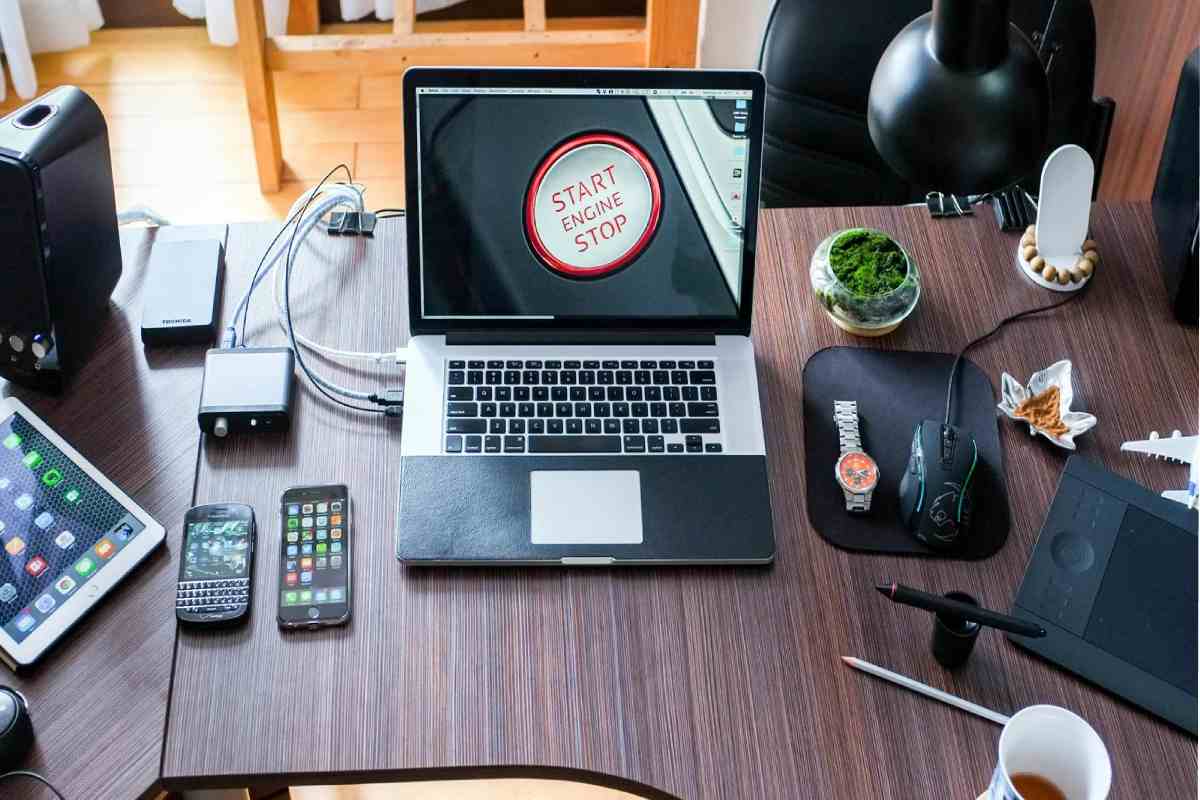
As remote and hybrid work solidify into long-term norms, laptops remain the core productivity tool for millions. But the laptop alone isn’t enough — the best laptop accessories for work boost ergonomics, connectivity, and everyday efficiency. From ergonomic stands to powerful docking stations and ergonomic input devices, the right accessories transform your setup into a professional workspace.
In this article we break down categories of accessories, include table comparisons by price and country, and offer research-backed recommendations you’ll rely on daily.
Table of Contents
Why Accessories Matter in 2026
Workstyles have evolved — extensive video meetings, multitasking across devices, and tight deadlines demand comfort, connectivity, and productivity. Accessories reduce fatigue, expand connectivity (especially on ultraportables with few ports), and streamline workflows. The best laptop accessories for work not only elevate comfort but protect your investment by reducing wear and strain.
1. Ergonomic & Productivity Stands: Raise Your Laptop to Work Comfortably
Raising the laptop screen to eye level is one of the simplest ways to improve posture and reduce neck strain during long work sessions.
Top Picks for 2026 (India Prices)
| Accessory | Why It’s Great | Approx. Price |
|---|---|---|
| Spigen ArcDock Laptop Stand | Premium foldable stand with solid build | ₹4,899 |
| VIVO Laptop, Notebook, and Monitor Riser Stand | Heavy-duty and adjustable | ₹8,358 |
| GITRU Height Adjustable Monitor Stand | Raises external monitor & laptop | ₹2,299 |
| Portronics My Buddy Spinlight Portable Laptop Stand | Highly portable stand for travel | ₹2,349 |
| DailyObjects Arete Laptop Stand | Laptop posture & cooling support | ₹2,699 |
| Zebronics Laptop Stand | Budget desk lift option | ₹799 |
| Striff Fold-Up Adjustable Ventilated Portable Laptop Stand | Ultra-budget choice | ₹299 |
| MOFT Adhesive Airflow Laptop Stand | Minimalist airflow design | ₹2,990 |
Key Benefits:
-
Elevated screens reduce neck and shoulder strain.
-
Improves airflow to laptop vents, countering heat buildup.
-
A portable stand enables ergonomic setups anywhere.
Research Insight: Ergonomic screen elevation reduces forward head posture and related musculoskeletal strain — crucial for prolonged work hours.
2. Docking Stations & Hubs: Expand Connectivity
Most modern laptops trade ports for thinness, which means you need docks or USB-C hubs to connect monitors, Ethernet, USB-A devices, and more. Choosing the right dock is central to a productive desk setup.
Dock & Hub Price Guide
| Accessory | Best For | Approx. Price |
|---|---|---|
| Portronics MPort View Three 10‑in‑1 USB‑C Docking Station | Balanced feature-to-price | ₹1,549 |
| Honeywell 7 in 1 Type‑C Docking Station | All-round productivity hub | ₹1,999 |
| UGREEN 80551 USB C Laptop Docking Station | Mid-range connectivity | ₹3,876 |
| Honeywell 12 in 1 Type‑C Docking Station | Large port selection | ₹4,299 |
| Zebronics TA150 Pro 3 In 1 Type C Multiport Hub | Basic travel-friendly hub | ₹549 |
Global Context: Premium docks with Thunderbolt 4/USB4 offer even greater speed and multi-monitor support — ideal for power users — but affordability and compatibility matter for most workers.
3. Input Devices: Keyboards & Mice
Your hands are the most used part of your laptop setup — quality peripherals dramatically improve comfort and speed.
Why this category matters:
-
Ergonomic mice help reduce wrist strain over long work sessions.
-
Full-size keyboards improve typing accuracy and speed — especially for writers, developers, and analysts.
Research Headlines: Premium productivity mice like the Logitech MX Master series are repeatedly named among the best productivity mice due to ergonomics and customizable features that streamline workflows.
Recommended Peripherals (Popular Examples)
Though specific pricing varies globally, top choices often include:
-
Logitech MX Master 4 — premium productivity mouse (~$119.99) noted for ergonomic design and workflow shortcuts.
-
Compact ergonomic keyboards — like Microsoft’s new ergonomic Bluetooth keyboard (~$119.99) with split layout for comfort.
In India, affordable combos like the Logitech MK275 or MK240 wireless keyboard + mouse kits deliver strong value.
4. Cooling Pads & Workspace Comfort
Long work sessions can heat laptops and reduce performance. Cooling pads improve airflow and protect internal components.
| Accessory | Why It’s Useful | Approx. Price |
|---|---|---|
| Zebronics NC9200 Laptop Cooling Pad | Sturdy cooling for heavy use | ₹1,999 |
| Kreo Tundra Laptop Cooling Pad | Balanced airflow on a budget | ₹1,699 |
| Techie Laptop Cooling Pad | Best budget option | ₹799 |
Pro Tip: Place stands and cooling pads together — this combination improves posture and heat management simultaneously.
5. Organization & Mobility
Great accessories also include organizational tools — cable organizers, tech folios, and sleeves keep work gear protected and portable.
| Accessory | Role | Approx. Price |
|---|---|---|
| DailyObjects Urbane Tech Folio Slim Profile | Document & gadget folder | ₹1,999 |
| DailyObjects Black Ripstop Vault Tech Organiser | Cable/org gear storage | ₹1,999 |
| Laptop Sleeve with Stand & Mouse Pad | 3-in-1 travel solution | ₹1,499 |
| DailyObjects SnapOn Envelope Sleeve | Simple sleeve protection | ₹1,399 |
| DailyObjects Tan Vegan Leather Zippered Sleeve | Premium vegan leather sleeve | ₹1,199 |
| Ogio Pace Pro Brief Pack | Tech backpack with storage | ₹8,991 |
| DailyObjects Basalt Pivot Laptop Sleeve | Stylish everyday sleeve | ₹1,999 |
| Laptop Accessories Combo of 5 | Budget accessory bundle | ₹699 |
Comparison: Best Laptop Accessories for Work by Category
| Category | Primary Benefit | Typical Price Range (India) |
|---|---|---|
| Stands & Risers | Ergonomics posture & cooling | ₹299 – ₹8,500 |
| Docking Hubs | Expanded connectivity | ₹549 – ₹4,299+ |
| Input Devices | Speed & comfort | Varies widely |
| Cooling Pads | Thermals & performance | ₹799 – ₹1,999 |
| Organizers & Sleeves | Portability & organization | ₹699 – ₹9,000 |
Final Tips for Choosing Accessories
Ergonomics First: Prioritize stands and docks — these deliver the most noticeable comfort gains.
Balance Budget & Quality: Even affordable hubs and cooling pads make a significant difference.
Match Workstyle: Creatives benefit from docks with display support; remote workers thrive with ergonomic keyboards & mice.
The best laptop accessories for work are those that adapt to your workflow, empower long hours, and protect your health — thoughtfully selected tech investments, not impulsive buys.