
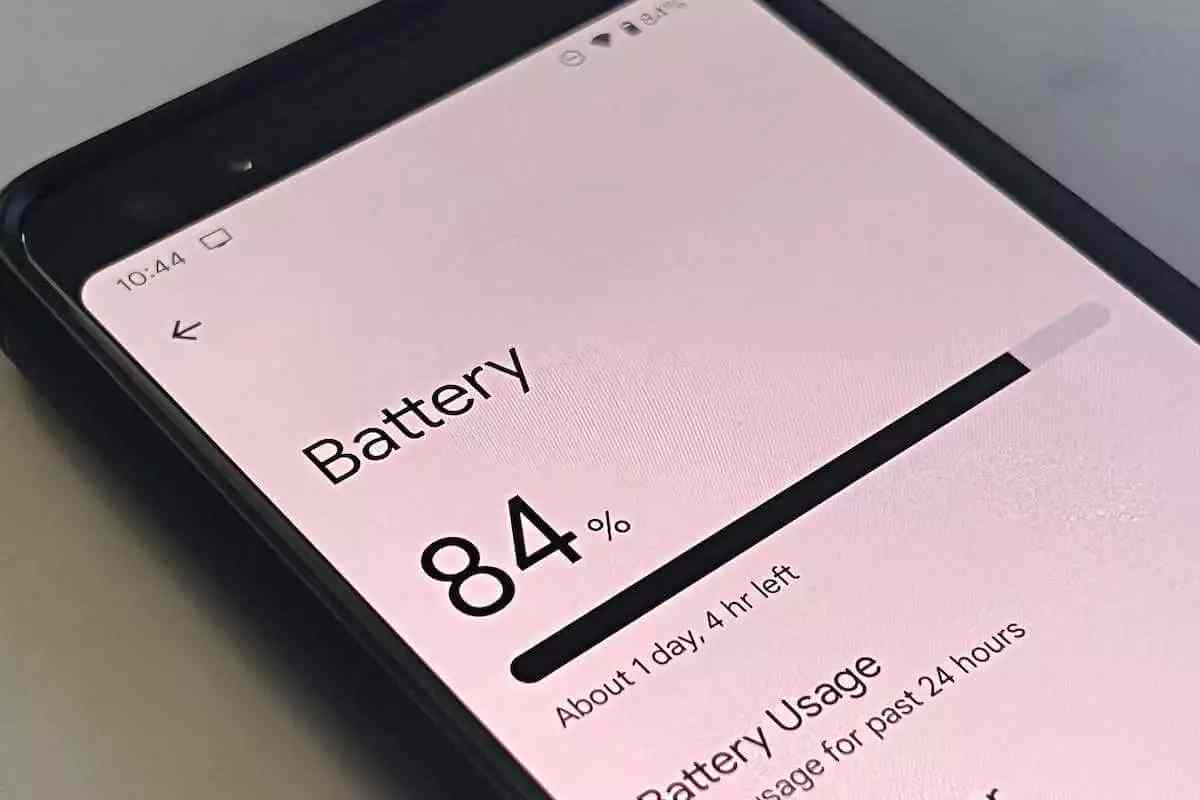
In 2026, Android devices are more powerful — but this comes at the cost of faster battery drain. Thankfully, software improvements and smart system settings have evolved. This in-depth article explores the best way to increase Android battery life in 2026, blending expert tips, research data, pricing tables, and actionable settings you can apply today to improve Android battery life 2026.
Whether you use Pixel, Samsung Galaxy, OnePlus, or any other Android brand, this guide covers the Best Android Settings to Increase Battery Life and real-world recommendations based on the latest industry research.
Table of Contents
Why Android Battery Life Matters in 2026
Smartphones now handle heavier workloads — AI processing, high-refresh-rate gaming, always-on ambient notifications — all of which add strain to your battery. While hardware advances (like larger cells and efficiency-focused chipsets) help, maximizing battery life depends largely on smart software use and settings optimization.
Core Principles the Best Way to Increase Android Battery Life in 2026
To effectively improve Android battery life 2026, focus on these core principles:
-
System-level power management: Use built-in features like Adaptive Battery and Battery Saver.
-
Display settings: Reduce screen brightness, timeout, and refresh rate.
-
Background activity control: Limit apps and services that consume power in the background.
-
Connectivity and sensors: Disable unused services (Bluetooth, GPS, NFC) when not needed.
-
Charging habits: Avoid extreme charge cycles to maintain long-term battery health.
Top Settings to Improve Battery Life on Android (2026)
Here’s a settings checklist — the cornerstone of the best way to increase Android battery life in 2026:
Battery & Power Management
| Setting | What It Does | Expected Benefit |
|---|---|---|
| Adaptive Battery | Uses AI to limit unused apps | Reduces background power use |
| Battery Saver / Extreme Saver | Stops non-essential processes | + Hours at low charge |
| Adaptive Charging / Charging Optimization | Protects health & avoids overcharging | Prolongs lifespan |
How to enable: Settings → Battery → Adaptive Preferences / Saver / Charging Optimization
Display & UI
| Setting | Category | Effect |
|---|---|---|
| Reduce Brightness | Display | Biggest battery saver |
| Auto-Brightness | Display | Optimizes power based on environment |
| Dark Mode | Display | Saves power on OLED screens (Gizchina) |
| Lower Refresh Rate (60Hz) | Display | Reduces GPU load (Gizchina) |
Why it matters: The screen is consistently the largest power drain. Optimizing it directly increases battery life.
Connectivity & Sensors
-
Disable GPS/Location when not needed.
-
Turn off Bluetooth, NFC & Wi-Fi scanning unless in use.
-
Use Airplane Mode in low signal areas to reduce power wasted searching for networks.
These adjustments reduce signal scanning and heavy sensor usage that silently drains power.
Background Activity Management
-
Restrict background app activity: This stops unnecessary syncing.
-
Disable auto-sync for seldom-used apps.
-
Close unused apps manually to avoid background processes.
Quick Daily Habits That Improve Battery Life
While settings matter, everyday usage habits play a big role:
-
Charge to ~80% instead of full 100% when possible.
-
Avoid gaming or heavy 5G use at low battery.
-
Uninstall or replace battery-hungry apps (e.g., social media).
-
Update apps & system software regularly — many updates include battery optimizations.
Best Android Battery Life Enhancing Tools & Apps
| Tool / Feature | Category | Price / Cost |
|---|---|---|
| Built-in Battery Saver | System | Free |
| Dark Mode | Display Setting | Free |
| Battery Health Info | System | Free |
| Third-party battery managers* | App | ₹0–₹499 (approx.) |
| Power-saving widgets | UI Tool | Free |
Country Focus: India
For Android users across India in 2026, battery life optimization is especially relevant due to varied network conditions and heat-prone climates:
-
Use Adaptive Brightness: Sunlight often pushes screens to max brightness, consuming more battery.
-
Optimize Sync & Location: Popular apps like WhatsApp, Maps, and social media constantly sync data — restricting them can add practical hours of use.
-
Smart Connectivity: Switching between network types (4G/5G) based on need reduces battery drain in areas with fluctuating coverage.
Common Myths vs. Reality
Myth: Dark Mode always drastically increases battery life.
Reality: It helps especially on OLED screens but its impact varies significantly by usage and background apps.
Myth: Turning off 5G always saves battery.
Reality: Sometimes no benefit; in areas with weak 5G, switching to stable 4G may help, but it isn’t a universal cure.
Summary: Your 2026 Android Battery Optimization Checklist
Daily:
-
Set brightness to adaptive
-
Enable Battery Saver at <20%
-
Close unused apps
Weekly:
-
Review app battery usage
-
Disable unnecessary services
-
Update software
Monthly:
-
Check charging habits
-
Clean up old accounts & unused apps
Conclusion: Best Way to Increase Android Battery Life in 2026
The best way to increase Android battery life in 2026 is a blend of smart settings optimization, daily power habits, and leveraging built-in Android features like Adaptive Battery and Battery Saver. With careful management, most users can extend daily use hours and maintain healthier long-term battery performance.
Implement the strategies above, tailor them to your usage patterns, and watch your Android device run longer, cooler, and more reliably — without sacrificing the features you love.