
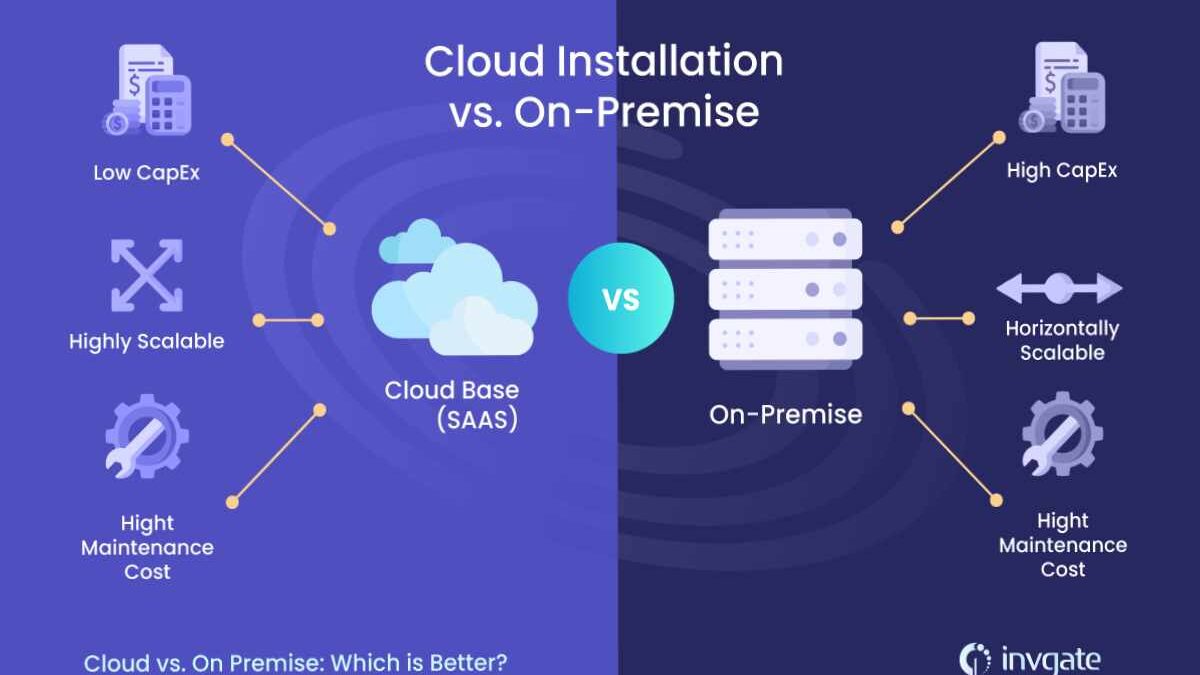
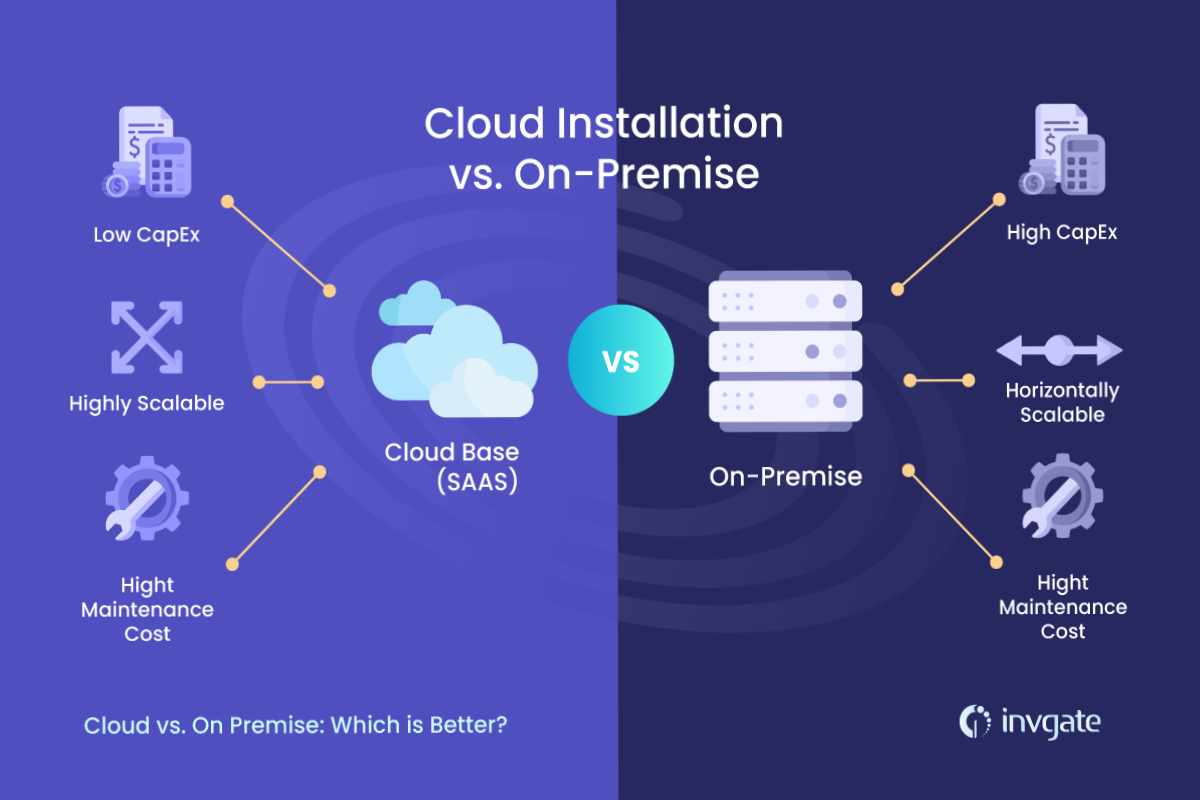
Choosing business software isn’t just about features anymore—it’s about where that software lives.
For small businesses, one of the most important (and confusing) decisions is whether to use cloud-based software or on-premise software. Each option has clear advantages, real trade-offs, and very different long-term implications for cost, security, scalability, and control.
Make the right choice, and your tech stack stays flexible as your business grows. Make the wrong one, and you may face high costs, maintenance headaches, or painful migrations later.
In this guide, we’ll break down cloud vs on-premise software for small businesses, compare pros and cons, and help you decide which approach actually makes sense for your size, budget, and growth stage.
Table of Contents
What Is Cloud Software?
Cloud software (also called SaaS—Software as a Service) is hosted on the vendor’s servers and accessed over the internet.
You don’t install it on your own hardware. Instead, you log in through a browser or app, and the provider handles hosting, updates, security, and maintenance.
Common Cloud Software Examples
-
CRM systems
-
Accounting software
-
Email marketing platforms
-
Project management tools
-
Automation platforms
Cloud software dominates modern small business tech stacks—and for good reason.
What Is On-Premise Software?
On-premise software is installed and run on your own servers or computers inside your business.
You’re responsible for:
-
Hardware
-
Installation
-
Updates
-
Security
-
Backups
-
Maintenance
This model was standard before cloud adoption became widespread and is still used in specific industries.
Common On-Premise Software Examples
-
Legacy accounting systems
-
Manufacturing and ERP systems
-
Industry-specific compliance software
-
Internal databases
Cloud vs On-Premise: The Core Difference
At a high level:
-
Cloud software = pay to use, vendor manages everything
-
On-premise software = buy and own, you manage everything
This difference affects nearly every aspect of your business operations.
Cloud vs On-Premise Software Comparison Table
| Factor | Cloud Software | On-Premise Software |
|---|---|---|
| Hosting | Vendor-hosted | Self-hosted |
| Upfront cost | Low or none | High (hardware + licenses) |
| Ongoing cost | Subscription-based | Maintenance + upgrades |
| Setup time | Hours to days | Weeks to months |
| Scalability | Easy | Difficult |
| Accessibility | Anywhere with internet | Usually local network |
| Maintenance | Vendor-managed | Business-managed |
| Security responsibility | Shared | Fully yours |
Pros of Cloud Software for Small Businesses
1. Lower Upfront Costs
Cloud software typically requires:
-
No servers
-
No installation
-
No upfront licensing fees
You pay a monthly or annual subscription, making costs predictable and startup-friendly.
👉 This aligns well with bootstrapped startups, as discussed in your guide on
how to choose the right tech stack for a small business startup.
2. Faster Setup and Deployment
Most cloud tools can be set up in:
-
Minutes
-
Hours
-
A few days at most
This speed allows small businesses to move fast and adapt quickly—critical in early growth stages.
3. Easy Scalability as You Grow
Need to:
-
Add users?
-
Increase storage?
-
Unlock advanced features?
With cloud software, scaling usually means upgrading a plan—not buying new infrastructure.
This flexibility is especially important when combined with tools from your
free business automation tools for small businesses stack.
4. Remote Access and Flexibility
Cloud software works anywhere:
-
Office
-
Home
-
Client location
-
Multiple branches
For hybrid and remote teams, cloud access is often non-negotiable.
5. Automatic Updates and Maintenance
Cloud vendors handle:
-
Feature updates
-
Bug fixes
-
Security patches
-
Performance improvements
Your team always uses the latest version without downtime or manual intervention.
Cons of Cloud Software for Small Businesses
1. Ongoing Subscription Costs
While cloud software is cheap to start, costs can add up over time—especially as:
-
Users increase
-
Usage grows
-
Advanced features are unlocked
This makes regular tech stack reviews essential (something you highlight in your startup tech stack article).
2. Dependence on Internet Connectivity
No internet = limited or no access.
For businesses operating in:
-
Remote locations
-
Unstable network environments
This can be a serious limitation.
3. Less Direct Control
With cloud software:
-
You don’t control the servers
-
You rely on vendor uptime
-
You must accept vendor update schedules
For some businesses, this lack of control is uncomfortable.
Pros of On-Premise Software for Small Businesses
1. Full Control Over Data and Systems
On-premise software gives you:
-
Complete control over data storage
-
Full customization capability
-
Independence from vendor infrastructure
This is often important in regulated industries or businesses with strict data policies.
2. One-Time Licensing (In Some Cases)
Some on-premise solutions use:
-
One-time licenses
-
Long-term contracts
Over many years, this can be cheaper than recurring subscriptions—though this is less common today.
3. Works Without Internet
On-premise systems can run:
-
Offline
-
On local networks
This is valuable in environments where internet access is unreliable or restricted.
Cons of On-Premise Software for Small Businesses
1. High Upfront Costs
On-premise software requires:
-
Servers or hardware
-
Installation
-
IT expertise
-
Backup systems
For most small businesses, this is a major barrier.
2. Maintenance Burden
You’re responsible for:
-
Security updates
-
Bug fixes
-
System monitoring
-
Data backups
Without in-house IT staff, this quickly becomes risky and expensive.
3. Limited Scalability
Scaling on-premise software often means:
-
Buying new hardware
-
Reconfiguring systems
-
Downtime during upgrades
This makes growth slower and more expensive.
4. Harder Integrations
Modern automation, AI tools, and SaaS platforms are cloud-native.
On-premise systems:
-
Integrate poorly with modern tools
-
Limit automation options
-
Create data silos
This directly impacts the workflows covered in your
CRM vs ERP for small businesses: which to implement first guide.
Cloud vs On-Premise: Which Is Better for Small Businesses?
For most small businesses, the answer is clear:
Cloud software is the better default choice.
Why?
-
Lower cost
-
Faster deployment
-
Easier scaling
-
Better integrations
-
Less IT overhead
However, “default” does not mean “always.”
When Cloud Software Is the Right Choice
Cloud software is best if your business:
-
Is a startup or early-stage company
-
Has a small or remote team
-
Wants low upfront investment
-
Uses automation and AI tools
-
Needs flexibility and scalability
This is why cloud dominates:
-
CRM systems
-
Marketing platforms
-
Project management tools
-
Analytics and reporting
When On-Premise Software Makes Sense
On-premise software may be appropriate if:
-
You operate in a highly regulated industry
-
You need full data control for compliance
-
You have in-house IT expertise
-
Internet access is unreliable
-
You use legacy or industry-specific systems
Even then, many businesses use hybrid setups.
Hybrid Approach: Best of Both Worlds?
Many small businesses today use a hybrid model:
-
Cloud software for CRM, marketing, collaboration
-
On-premise systems for sensitive or specialized operations
This approach reduces risk while maintaining flexibility—but it requires careful integration planning.
Hybrid setups pair well with automation strategies discussed in your
free business automation tools for small businesses article.
Cloud vs On-Premise and CRM vs ERP Decisions
Infrastructure decisions are closely tied to CRM and ERP choices.
-
Most modern CRMs are cloud-first
-
Many ERPs now offer cloud or hybrid deployments
As explained in your
CRM vs ERP for small businesses: which to implement first article:
-
CRM is usually implemented first (and almost always cloud-based)
-
ERP comes later, sometimes with on-premise or hybrid options
Security: Cloud vs On-Premise for Small Businesses
A common myth:
“On-premise is more secure than cloud.”
Reality:
-
Cloud vendors invest heavily in security
-
Most small businesses cannot match that level internally
Security depends more on:
-
Configuration
-
Access controls
-
User behavior
Poorly managed on-premise systems are often more vulnerable than properly managed cloud software.
Cost Comparison Over Time
Cloud Software Costs
-
Predictable monthly fees
-
Scales with usage
-
Easier to budget
On-Premise Software Costs
-
High initial investment
-
Ongoing maintenance costs
-
Upgrade and replacement cycles
For small businesses, cash flow predictability matters more than theoretical long-term savings.
Common Mistakes Small Businesses Make
❌ Choosing On-Premise “Just in Case”
This often leads to underused systems and wasted capital.
❌ Assuming Cloud Is Always Cheaper
Unchecked subscriptions can silently grow costs.
❌ Ignoring Integration Needs
Software that doesn’t integrate limits automation and growth.
❌ Not Reviewing Decisions Regularly
Your infrastructure should evolve with your business.
Simple Decision Framework
Ask yourself:
-
Do we have in-house IT expertise?
-
How critical is remote access?
-
How fast do we expect to grow?
-
Are we subject to strict compliance rules?
-
Do we rely on modern SaaS and automation tools?
If flexibility, speed, and cost matter most → Cloud
If control, compliance, and offline access matter most → On-Premise
Frequently Asked Questions
Is cloud software safe for small businesses?
Yes. In most cases, reputable cloud vendors offer stronger security than small businesses can manage on their own.
Can small businesses switch from on-premise to cloud later?
Yes, but migrations can be costly. Choosing cloud early reduces future friction.
Is on-premise software becoming obsolete?
Not obsolete, but far less common outside regulated or specialized industries.
Can cloud software support business growth?
Absolutely. Cloud scalability is one of its biggest advantages.
Final Verdict: Cloud vs On-Premise Software for Small Businesses
For the majority of small businesses today:
Cloud software offers the best balance of cost, flexibility, scalability, and ease of use.
On-premise software still has a place—but only when specific operational or regulatory needs justify the added complexity.
If you’re building a modern, agile small business, cloud-first is usually the smartest foundation.