
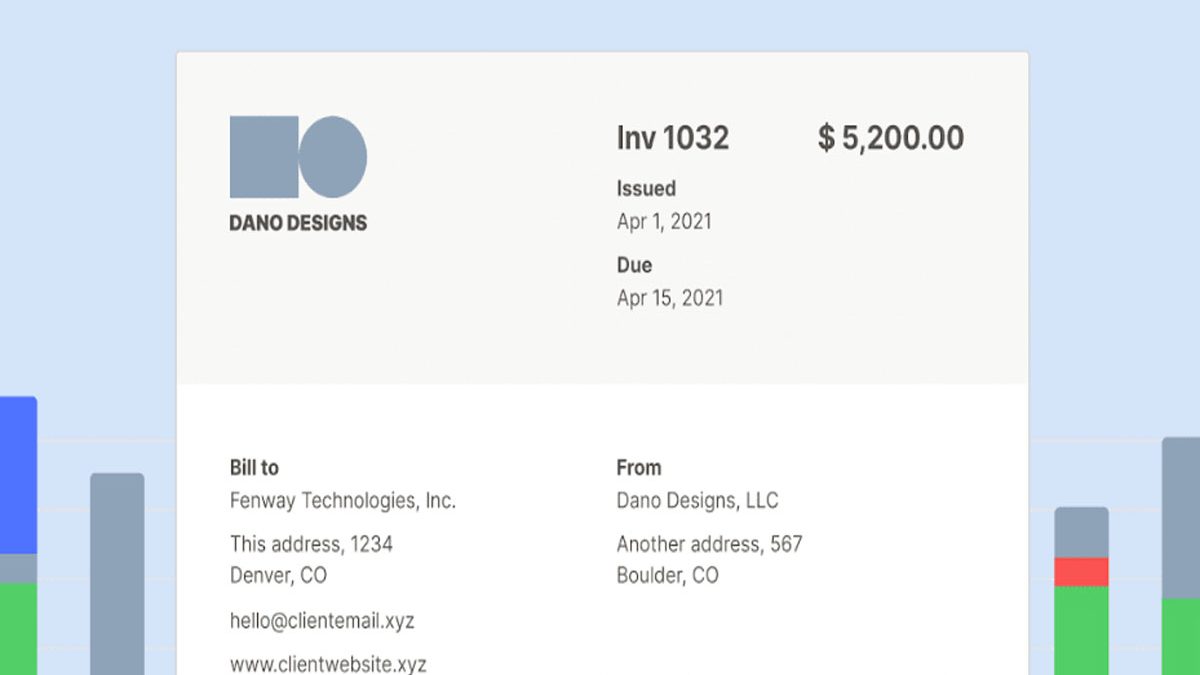

Invoicing can be a tedious and complicated process, especially if you handle many clients simultaneously. Still, it remains fundamental to a freelancer. Poor invoicing will affect your cash flow, wreaking havoc to your productivity and peace of mind. With freelancing being a one-man job, hiring an accountant is not feasible. Hence, you are left to rely on other alternatives to handle your invoices conveniently and hassle-free.
Technology simplifies invoicing by providing invoicing software usable across platforms. Considering the many options available, below is a guide on how to assess an ideal software for your freelance invoicing.
Freelancers who manage multiple clients need more than reliable invoicing software to maintain consistent business growth. Strong communication, negotiation, and client management skills are equally important for converting opportunities into paid projects. As freelance professionals expand their businesses and begin working with sales representatives or small teams, understanding how sales coaching can improve your team can provide useful insights into developing better sales techniques, improving client interactions, and building a more effective sales process.
Table of Contents
Ease of Invoice Creation
Choosing an invoice software should streamline your tasks rather than complicate the procedure. You do not want to spend hours searching for transaction details or uploading your receipts. While your familiarity with the software you pick and experience will dictate how complex the software will feel, go for one that is easy to use. Some software will even allow you to send your invoice directly to the recipient without a third-party tool, saving on time and ensuring accurate delivery to the intended persons.
Check for Flexibility
Depending on the manufacturers, some invoicing software will have mobile apps and multiple browsers. These features ensure user flexibility by eliminating limitations and improving efficiency. Hence, when selecting software, consider one working well in the mobile version on your Android or iOS device to enjoy flexibility while away from your PC.
Invoice Software Features
Contrary to popular opinion, many features on your invoice software do not imply a better tool as you may not utilize all the features. Hence, before paying for an app, consider features such as invoice generation with customizable templates, auto follow-up on an unpaid invoice, online invoicing, and connection to several payment gateways.
Choosing the right invoicing software can help freelancers monitor payments, track outstanding invoices, and understand their overall business income. However, professionals who provide services to online retailers may also need to understand the performance metrics that influence their clients’ business decisions. Learning about e-commerce KPIs to improve sales can help freelancers working in digital marketing, website development, or e-commerce consulting better understand conversion rates, average order value, and customer acquisition performance.
Cost of the Invoicing Software
Invoicing software is available from free to use to paid versions. Others will charge a flat rate, while other payments will vary with the number of invoices you generate. The paid versions in most cases, have a free trial, which you can test to establish if it meets your needs. Depending on your billing history, settle on software that meets your needs within your budget.
Safety of Your Information
An invoicing software handles your financial documentation and your client’s, requiring protection from unauthorized persons. One of the ways to achieve security is to source your software from seasoned vendors. Through online customer reviews, you can also establish how safe the software is.
Prioritize Customer Support
Despite the software developer assuring you of a smooth experience using their app, problems are sometimes inevitable. Selecting software with active customer support will save you inevitable loss of data should the system crash or go down.
One of the biggest advantages of modern invoicing software is the ability to manage billing and payments without being tied to a physical office. Cloud-based invoicing tools allow freelancers and remote teams to create invoices, monitor payment status, and maintain financial records from different locations. For professionals planning to expand their remote operations, understanding how to transition your business from a traditional office to a virtual office can provide additional guidance on digital collaboration, remote workflows, and managing business activities online.
Conclusion
Correct invoicing is necessary if a business is to remain operational, as clients will pay on time. Given the nature of invoice tasks, you can use a software system to keep proper accounting records for your work, generate accurate invoices and send them on time to your clients. While adopting the software system, consider one whose features match your business needs, allow flexibility, have customer support, and are easy to use.